
The WOOTING 60HE V2 - OgRobby

OgRobby - Wooting 60HE V2
I don’t fall in love with keyboards easily. Most of them feel interchangeable after a while. Different cases, different switches, same compromises. If something stays on my desk, it’s because it earns that spot.
The Wooting 60HE v2 did — and the more time I spend with it, the more obvious it becomes why.
This keyboard isn’t about hype. It’s about control. Real control. The kind you feel every time you move, stop, or change direction in-game.
A 60% Layout That Actually Makes Sense
The 60% form factor isn’t for everyone, and Wooting doesn’t pretend it is. You lose arrow keys and the F-row physically, but everything is accessible through layers. Once it’s set up properly, it stops feeling like a compromise and starts feeling intentional.
What completely sold me, though, is the split spacebar option. This isn’t a gimmick split. The sizing is perfect: 2.75u, 1.25u, 2.25u. The left spacebar is large enough that I never miss it, even in intense moments. The middle key is easy to reach naturally with my thumb, without shifting my hand.
Those two extra inputs are incredibly powerful once mapped. I use them constantly. Going back to a single spacebar honestly feels inefficient.

Wooting 60HE V2 Split Spacebar
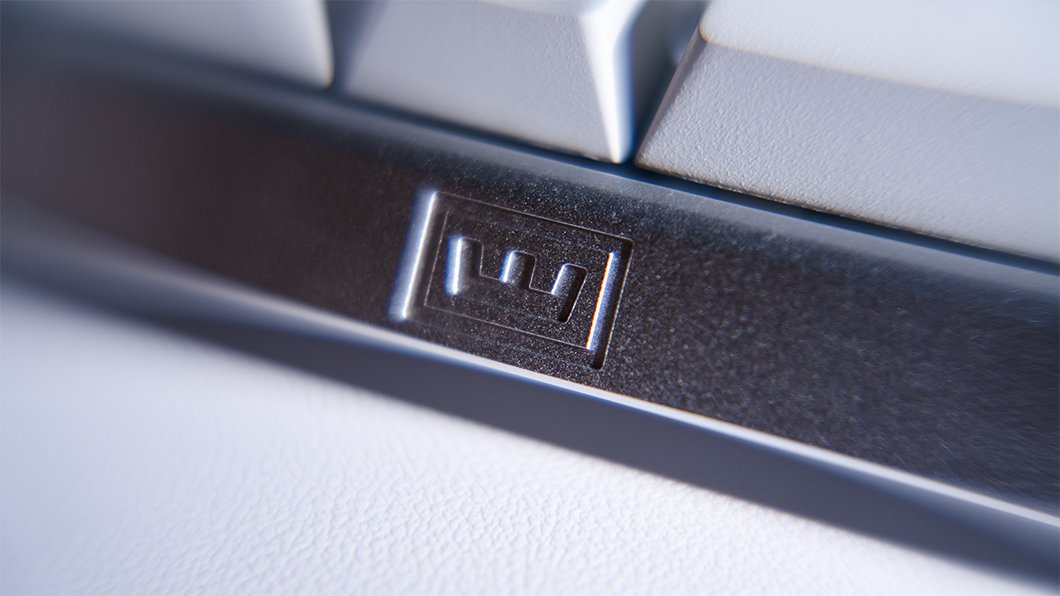
Wooting 60HE V2
Case Design & Sound Tuning: Friction-Fit, Tool-Free, and Tunable
One of the first things I noticed when unboxing the 60HE v2 is how well thought-out the case is.
The PCB is held in place via a silicone friction-fit pad, meaning fewer screws, less vibration, and a clean, deep sound without case resonance. I can pull the PCB using the included tool, swap cases or bottom dampening, and put it back together in minutes — no tools, no frustration.
Even better, the keyboard comes with three sound profile options based on the case filling:
Silicone block (preinstalled) → muted and controlled
EPDM foam → louder and deeper
No dampening → raw, open sound
This is a feature you don’t get on most keyboards, and it’s something I genuinely enjoy. I can tune the sound to my mood, the game I’m playing, or the environment I’m in. It’s convenient, simple, and makes the keyboard feel like it’s truly mine.
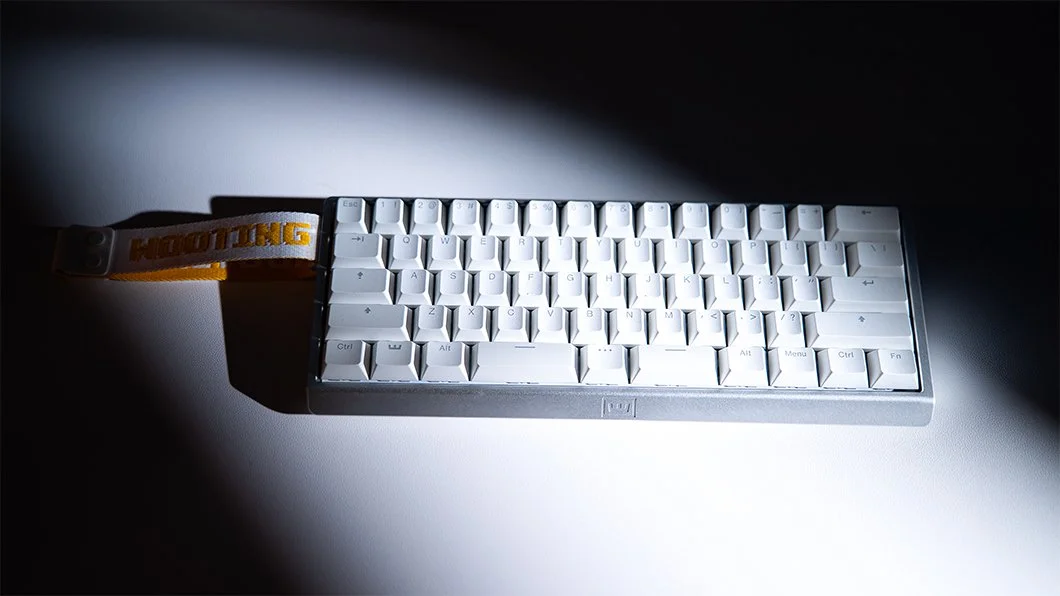
Wooting 60HE V2
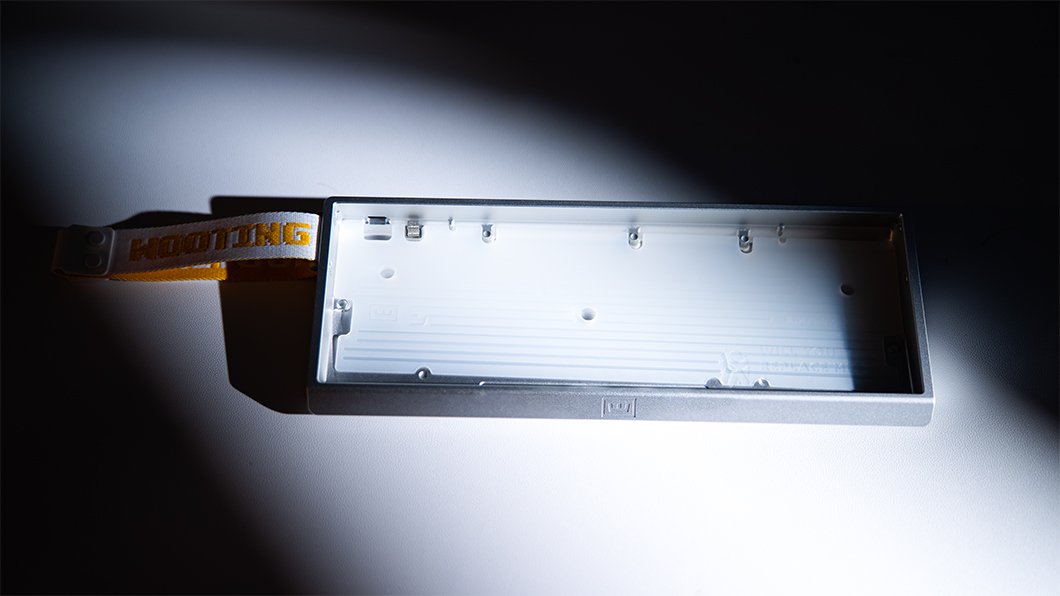
Wooting 60HE V2 Silicone block
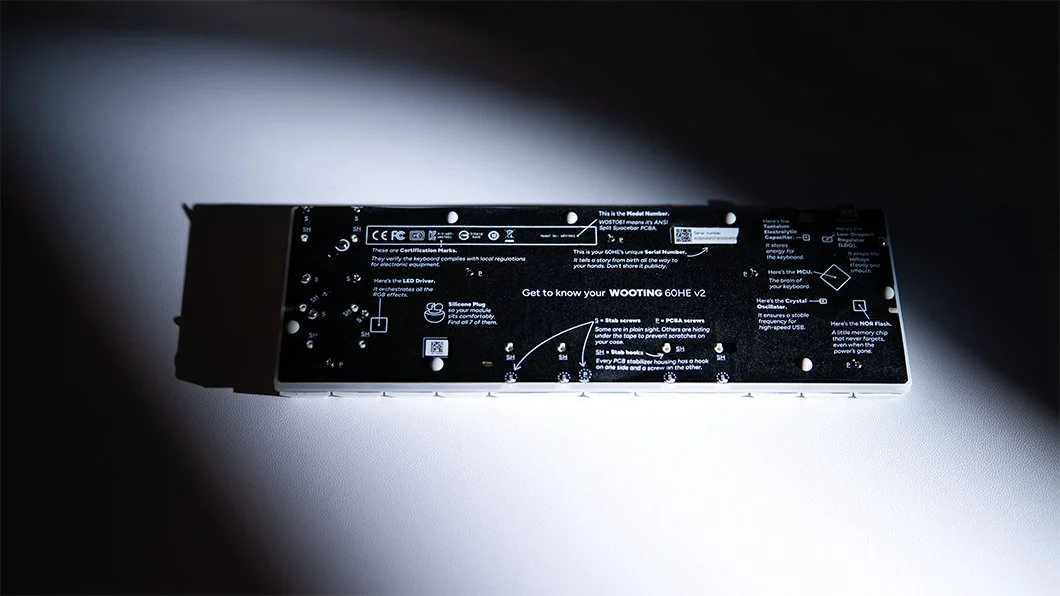
Wooting 60HE V2 PCB
Layers: Why the 60% Layout Actually Works
A 60% keyboard only works if layers are done right, and Wooting nails it.
The 60HE v2 supports three configurable layers and four onboard profiles, all stored directly on the keyboard. Once it’s set up, I don’t need software running in the background. It behaves the same on any system I plug it into.
Using ModTap, a single key can perform different actions depending on whether I tap or hold it. I use this constantly. Arrow keys, modifiers, layer shifts — all mapped in a way that feels natural instead of forced.
The split spacebar really shines here, giving easy access to layer toggles and modifiers without moving my hands. The keyboard stops feeling like a 60% and starts feeling far more capable.
Rapid Trigger at 0.1mm: The Core of the Experience
The 0.1mm Rapid Trigger is the heart of the 60HE v2. Traditional keyboards rely on fixed actuation and reset points. This doesn’t. The moment I lift my finger, the key resets. The moment I press again, it actuates. No debounce. No waiting.
What that means in practice:
Cleaner counter-strafing
More precise micro-movements
Faster direction changes
No guessing where the reset point is
It feels unfair in the best way possible.
And because this behavior is handled natively, once the keyboard is configured, it just works — consistently. Add in the switch selector and onboarding, and setup is painless.
True 8kHz Polling You Can Actually Feel
I’m usually skeptical of polling rate claims, but the true 8kHz polling and scan rate is noticeable. Movements feel more immediate. There’s less separation between intention and action, especially in fast-paced shooters. With Tachyon mode enabled, the keyboard is always exactly where I expect it to be.
Lekker Tikken Switches: Refined, Reliable, and Comfortable
The Lekker Tikken Medium switches are the best Lekker switches Wooting has made so far. Fully closed-bottom, tight tolerances, less wobble, full 4.0mm travel, and a deeper, muted sound profile. Long sessions are comfortable thanks to the slightly higher initial force, which prevents accidental presses.
Because they’re Hall Effect, there’s no metal contact or wear over time. Dust doesn’t affect actuation, and if anything drifts, the keyboard recalibrates automatically. Lifespan: 100 million presses.
Why It Stays on My Desk
The 60HE v2 disappears when I’m using it.
The split spacebar fits my hands perfectly
The layers make the 60% layout effortless
Rapid Trigger responds exactly when I want it to
The 8kHz polling genuinely feels faster
The sound and build never distract me
It doesn’t fight me. It keeps up. Until something truly surpasses this level of control, refinement, and convenience, I don’t see a reason to switch.
